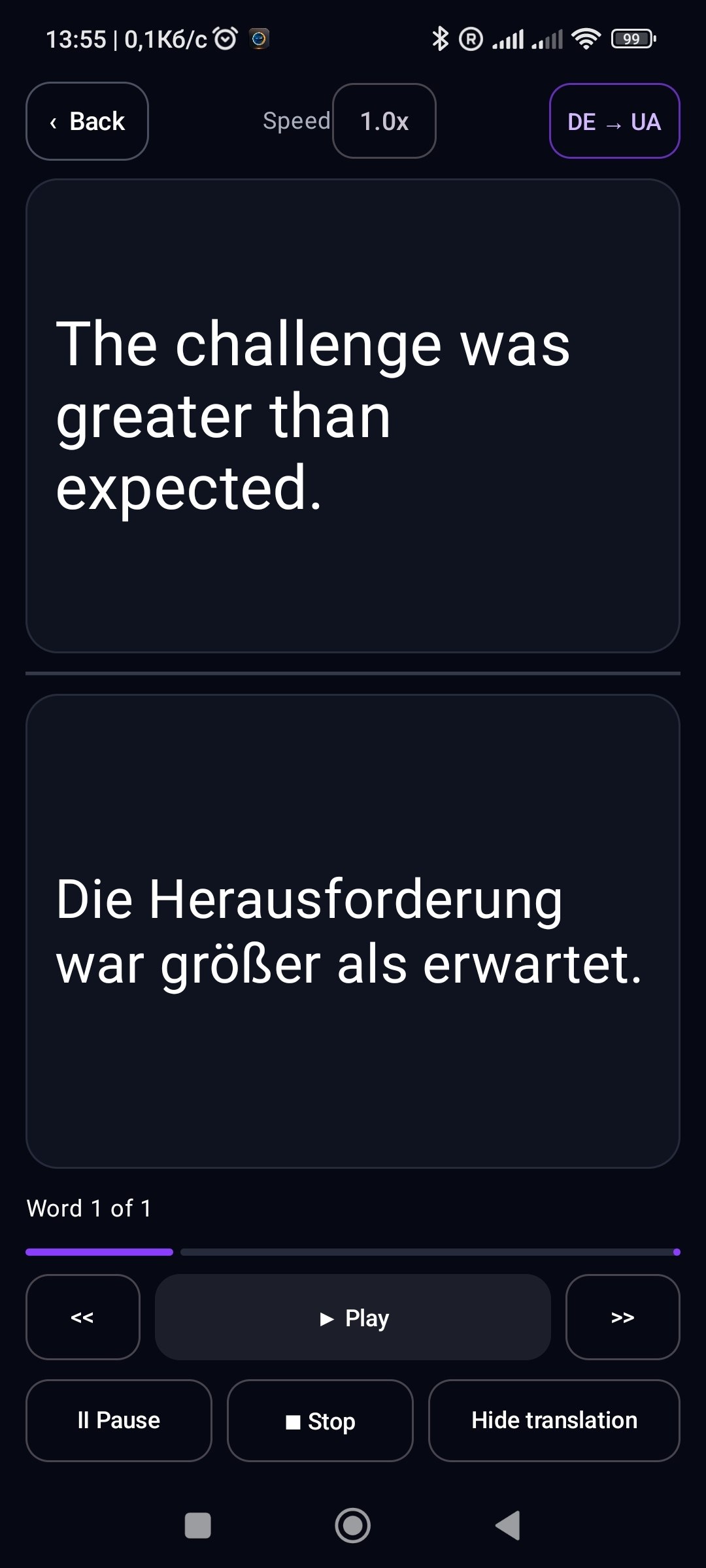
1. Home screen
An overview of the OverLeX Mobile home screen: choose a word pack, configure a lesson and manage your learning.
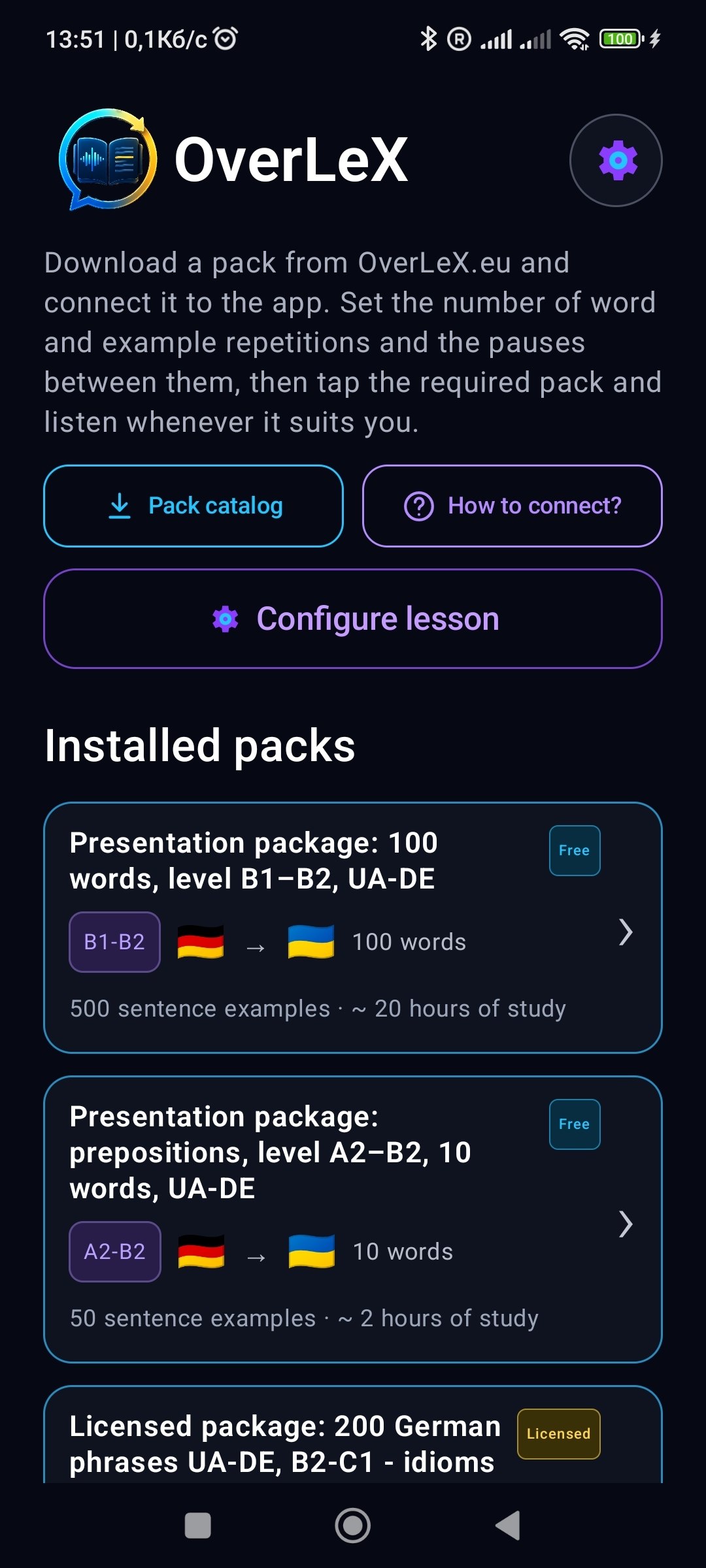
A step-by-step guide to OverLeX Mobile on Android: download packs, configure lessons, activate a license and listen in the background.
This guide describes OverLeX Mobile 1.0.2 for Android 12 and later. Screenshots illustrate the interface; check the current catalogue for pack contents and access conditions.
An overview of the OverLeX Mobile home screen: choose a word pack, configure a lesson and manage your learning.
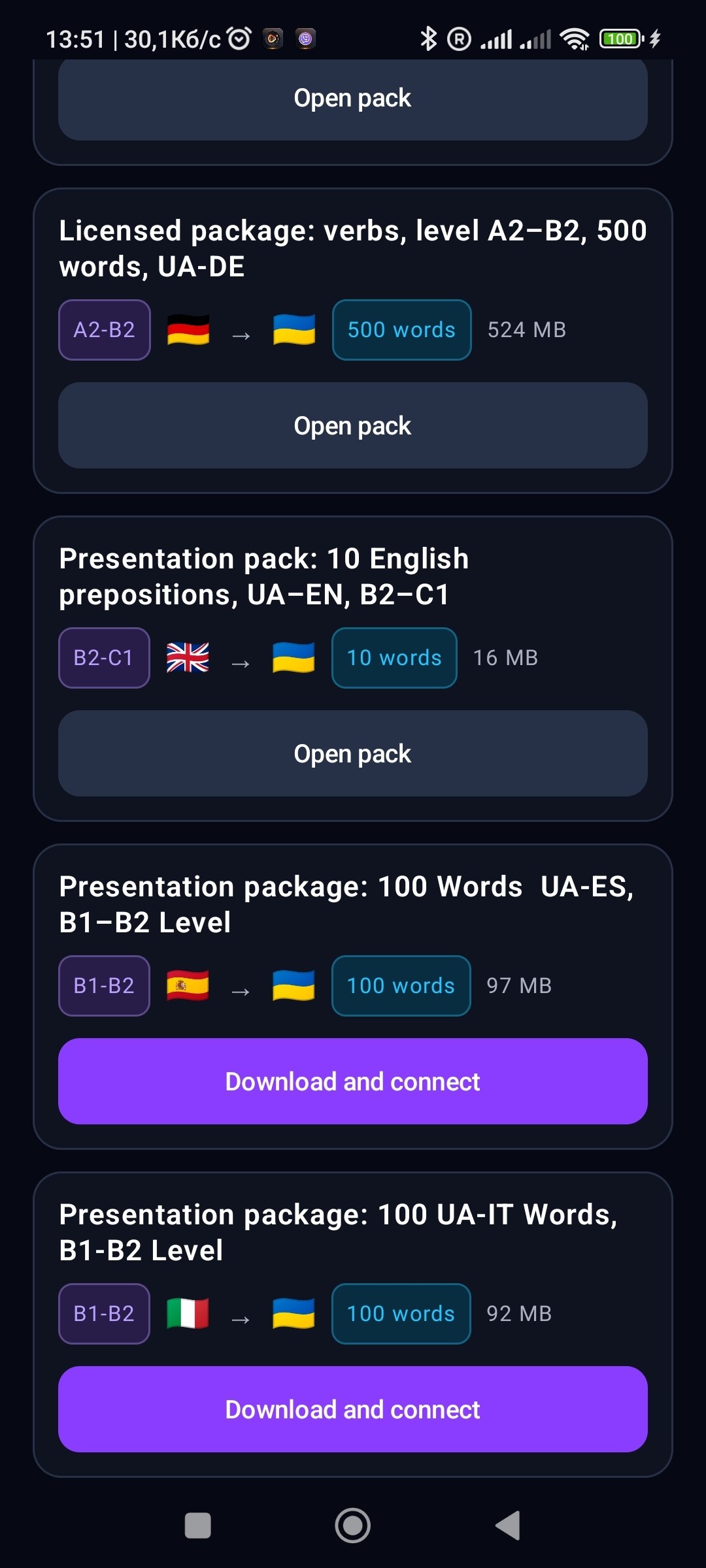
Open “Pack catalog” to browse the word packs available for download.
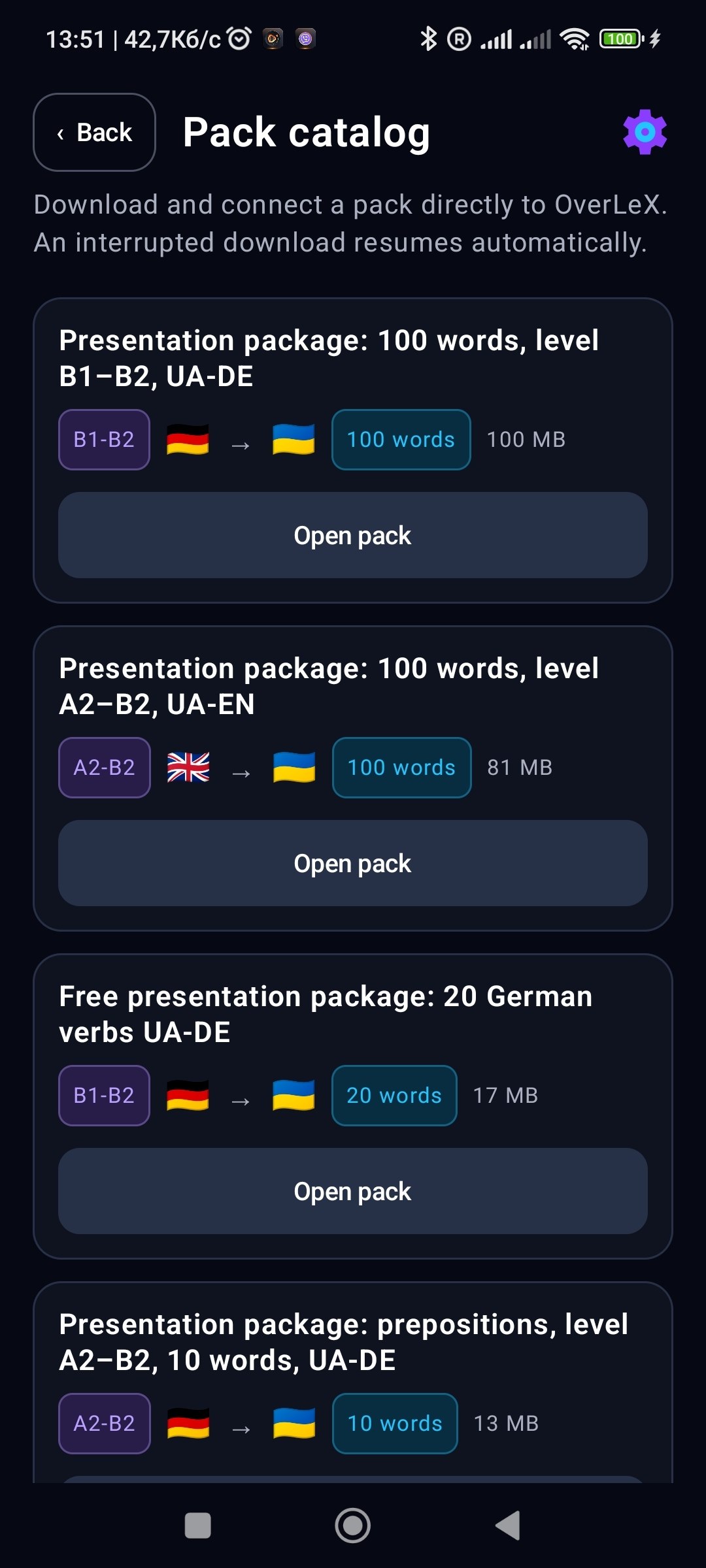
Choose the packs you need and download them to your device. Wait for the download to finish before starting a lesson.
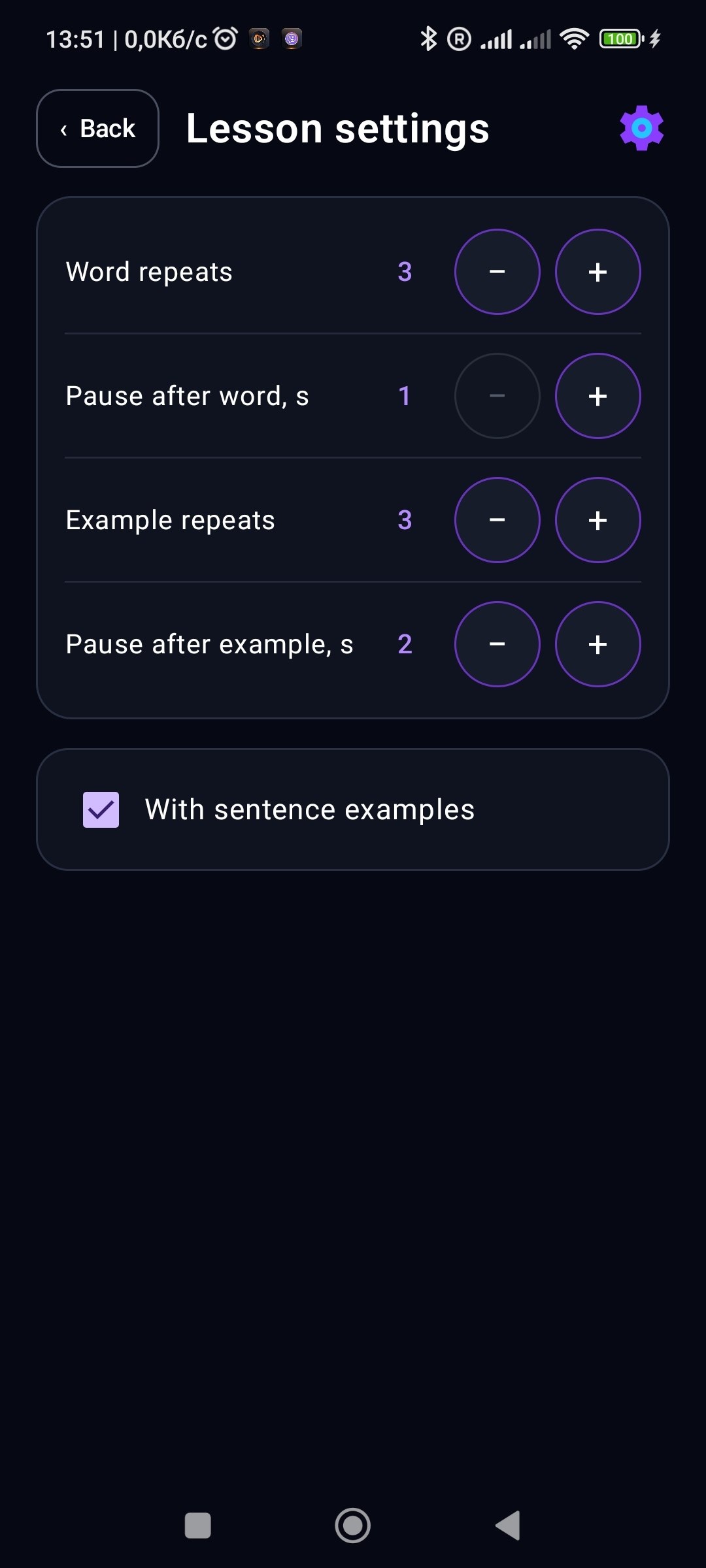
Tap “Configure lesson” to set the number of word and sentence-example repetitions, along with the pauses between them. Choose a learning pace that suits you.
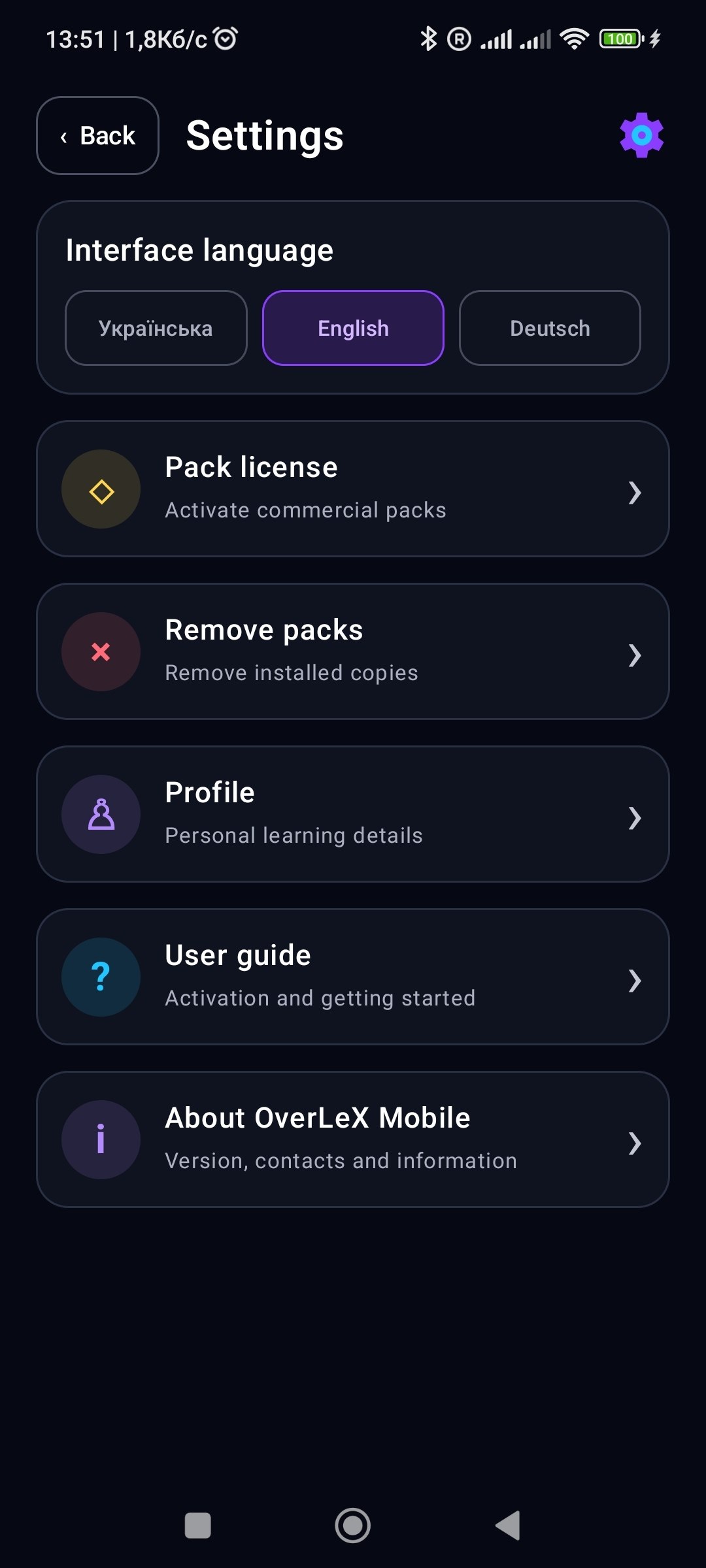
In “Settings”, you can change the interface language, read the user guide, complete your profile and explore other app options.
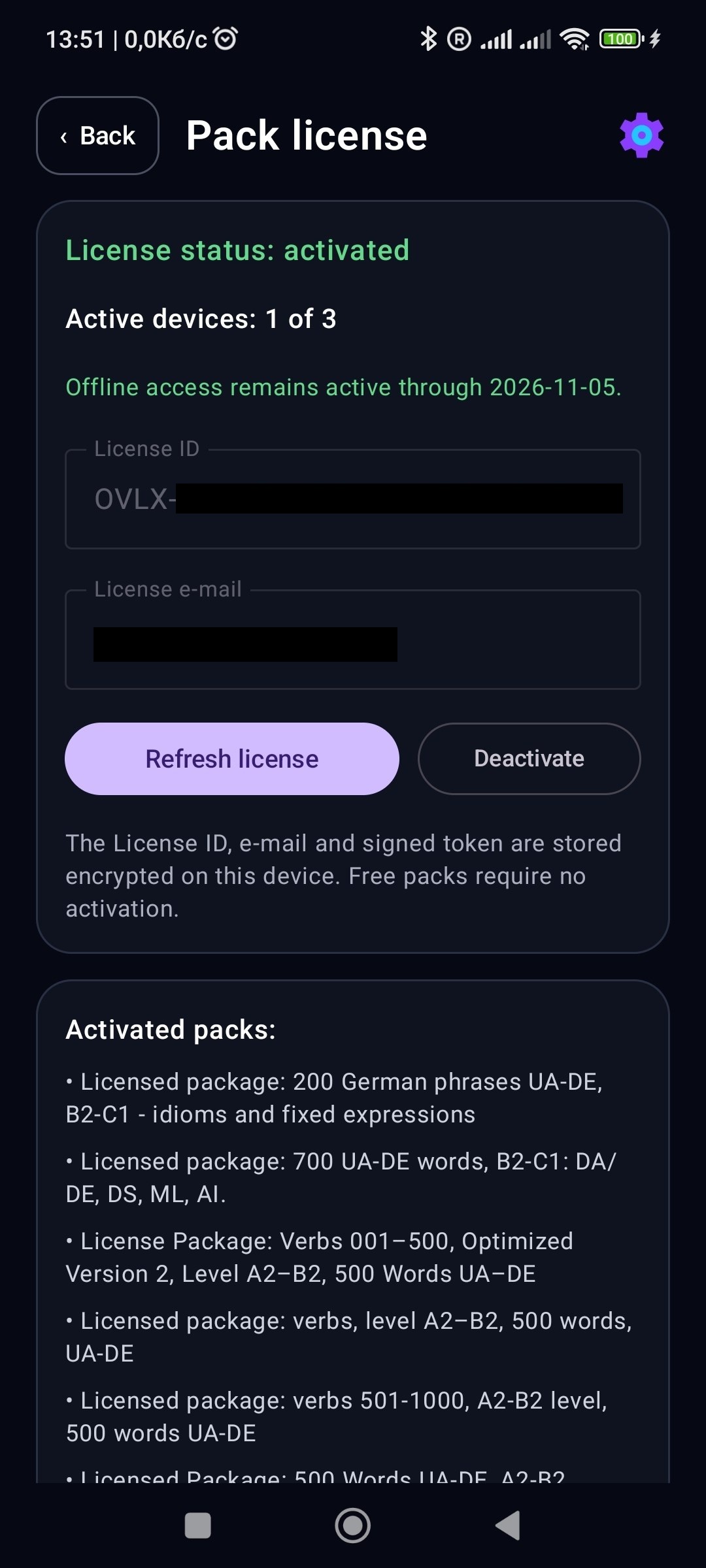
In “Pack license”, you can activate a license or refresh it after new licensed packs have been added. Free presentation packs do not require activation.
Use the License ID you received and its matching license email. After a pack has been added to an existing license, tap “Refresh license” and check the activated packs. Server verification requires internet access.
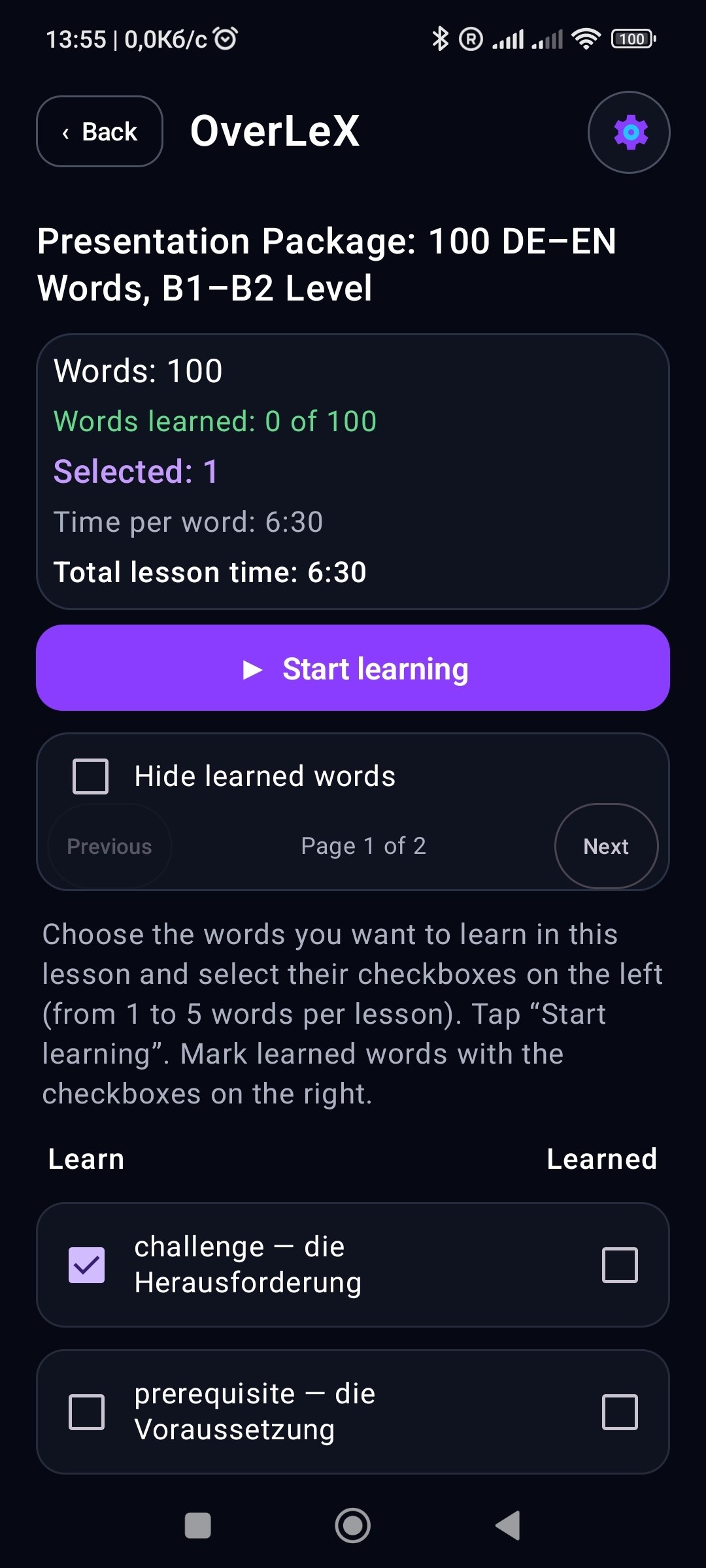
Select a pack on the home screen to open its word list. Words are displayed in pages of 50 entries.
Select 1 to 5 words using the checkboxes on the left, then tap “Start learning”. Mark words as learned using the checkboxes on the right.
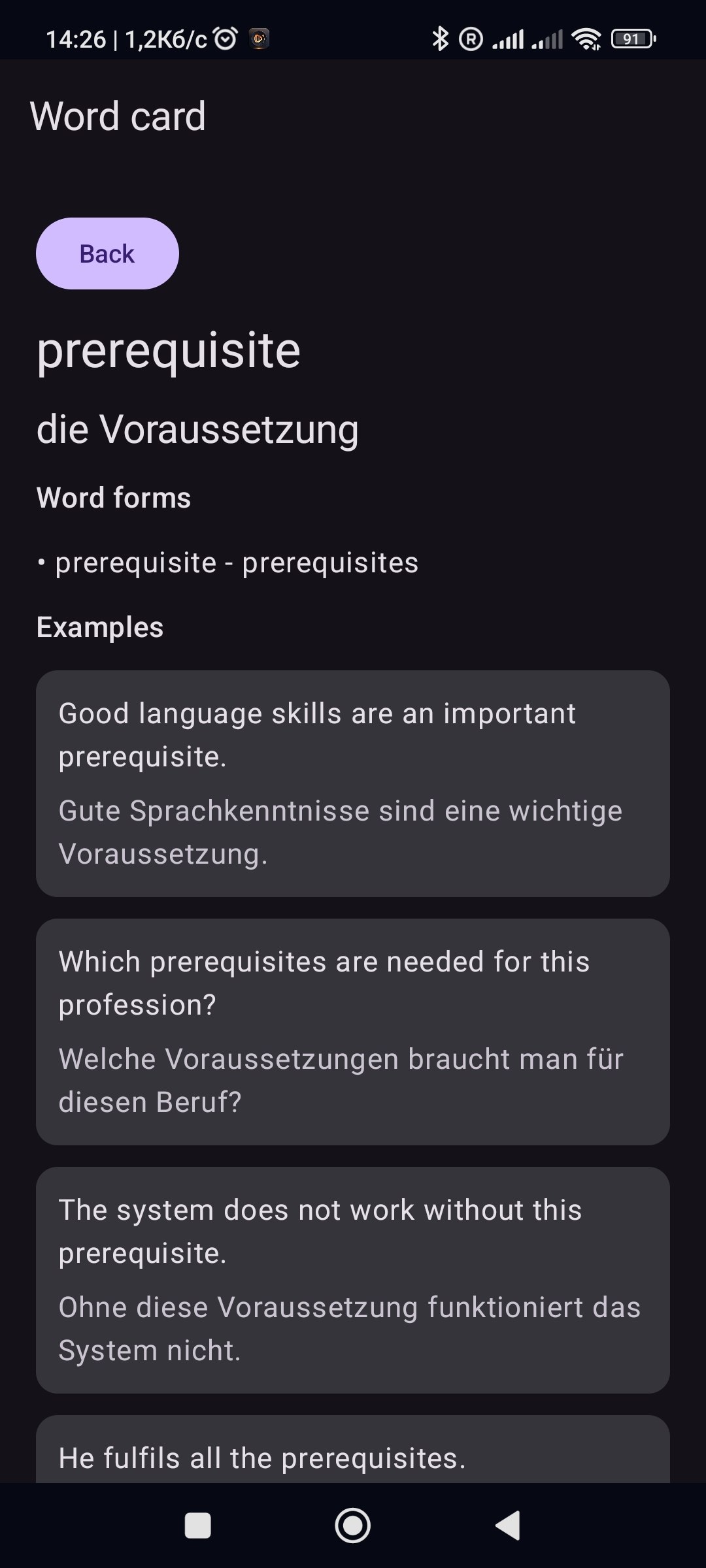
Tap a word in the list to view example sentences and their translations, and see how the word is used in context.
Starting a lesson opens the playback screen. Tap “Play” and wait for the audio to be prepared.
Preparing and unpacking the pack’s materials may take 10–30 seconds before playback begins. The time depends on the pack and your device’s performance.
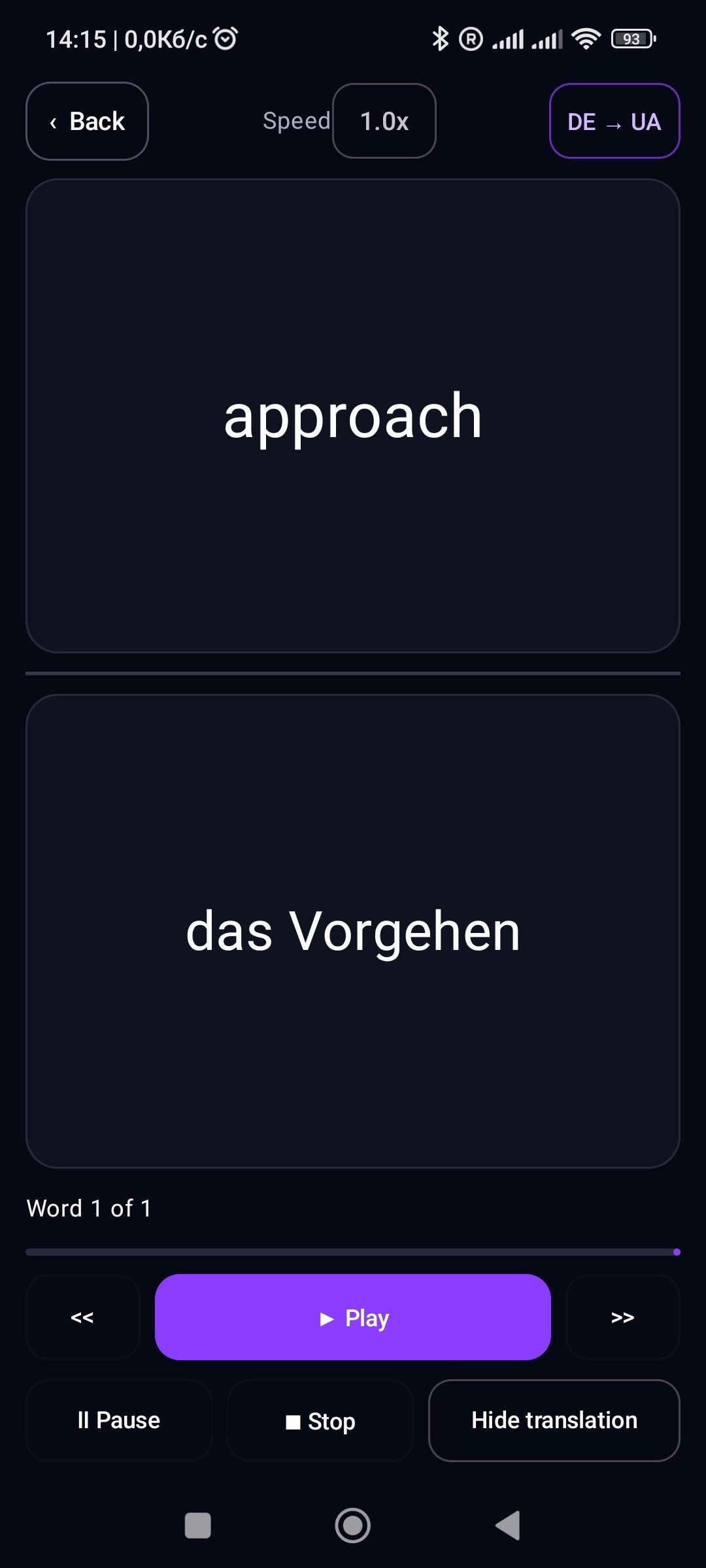
During a lesson, you can pause or stop playback and hide the translation to test your recall.
You can turn off your phone’s screen and continue listening to the lesson in the background.